How much smaller will my file get?
It depends entirely on what is in it, which is why the saving is shown per file before you keep anything rather than promised as a percentage here.

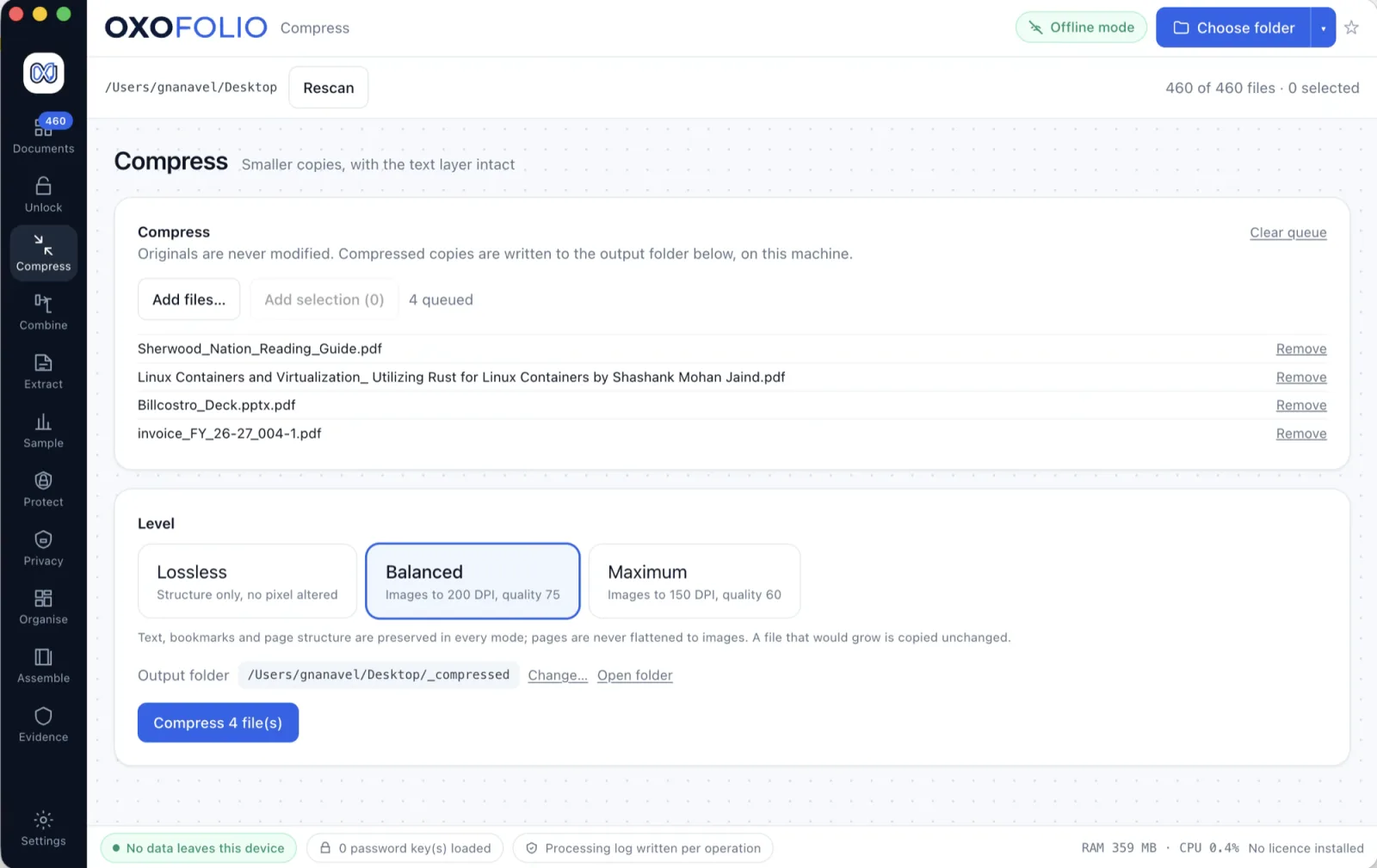
Most PDFs that are too big to email are scans — a page-sized image wrapped in a thin PDF. Rearranging the file structure saves nothing on those, so Oxofolio re-encodes the images instead, which is where the saving actually is.
A year of scanned statements arrives at 90 MB and the mail server refuses it at 25. The quick fix is a web compressor, which means the client's bank statements go to a third party to save twenty megabytes.
The other quick fix is worse: a tool that hits the size target by turning every page into a low-quality picture, destroying the text layer that made the document searchable, without mentioning it.
Compress a scan, then search the output for a word you can see on the page. If it had a text layer, it still does.
Every claim on this page is about a mechanism rather than an outcome, so each one is something you can verify rather than something you have to believe.
| Images are re-encoded, not the file rearranged | On a scan, the page-sized image is essentially the whole file. Structural optimisation saves a rounding error; re-encoding the image is the entire saving. |
| You choose the quality and see the result first | The real size saving is reported per file before anything is kept, so the trade-off is a decision rather than a surprise. |
| A whole folder in one pass | With each file's outcome reported separately, and one unreadable file never stopping the rest. |
| It says when a file will not usefully shrink | Rather than producing a 2% saving and calling it done. |
A tool that claims everything is a tool nobody can check. Each of these is a decision rather than a gap, and stating them here means the download contains exactly what this page described.
The same discipline runs through the security pack, where the unfavourable answers sit on the first page rather than the fourth.
It depends entirely on what is in it, which is why the saving is shown per file before you keep anything rather than promised as a percentage here.
Yes, if it was before. A page with a real text layer is never rasterised.
Yes, in one pass, with a per-file result and no batch-wide failure if one document is damaged.
No. The application opens no network sockets at all.
Make a scan searchable without sending it anywhere.
Forty protected statements, one pass, passwords you already have.
Every “PDF to Excel” button is a confident guess. This one shows its working.