What if I have lost the password?
Then Oxofolio cannot help, and no version of it ever will. It applies passwords you hold; it does not guess, crack or recover them.

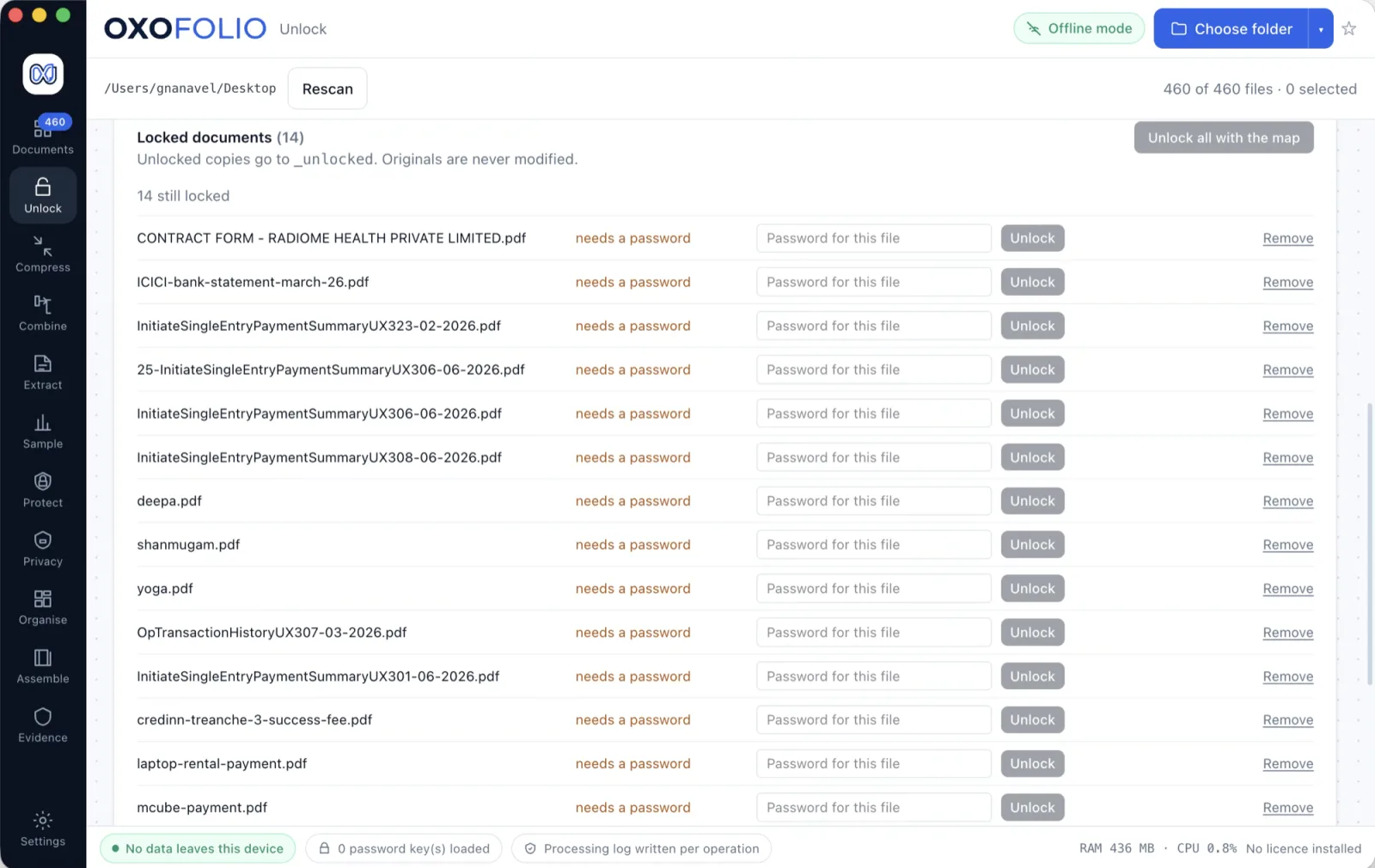
Load the keys your firm already holds and Oxofolio matches each file to the one that opens it. Unlocked copies are written beside the originals, and no password is ever written to disk, sent anywhere, or recorded in a log.
Every bank sends statements protected with something derived from data the client already gave you — a PAN fragment, a date of birth, an account suffix. A year of statements for thirty clients is several hundred files and the same forty passwords typed over and over.
So people paste them into a web unlocker. That means uploading a client's bank statements and the password that opens them, to a stranger, in one action.
Disconnect the network entirely before you start. Every file still opens, because nothing about this needed a connection.
Every claim on this page is about a mechanism rather than an outcome, so each one is something you can verify rather than something you have to believe.
| One list, many files | Give it the passwords your firm holds — typed, or as a CSV keyed by client. It tries each file against the set and reports which key opened which document. |
| Passwords live and die inside one process | They are held only in the isolated sidecar. The interface never receives them, they are never written to disk, and test_no_password_leak.py asserts the secret appears in neither the result, the unlock report, nor the processing log. |
| Remembered only where the OS can encrypt | A password you type can be kept in the operating system keychain, keyed by a hash of the file path — so a stolen store names no client. Where the OS cannot encrypt, nothing is written. There is no silent downgrade to a plain-text file. |
| Derived candidates, capped | From master data your firm already has — a PAN, a date of birth — it can derive the small set of candidates a bank would have used. Capped, and from data you already hold. |
| One bad file never stops the batch | Errors are caught and reported per file, so a folder of two hundred does not halt at the one that is corrupt. |
A tool that claims everything is a tool nobody can check. Each of these is a decision rather than a gap, and stating them here means the download contains exactly what this page described.
The same discipline runs through the security pack, where the unfavourable answers sit on the first page rather than the fourth.
Then Oxofolio cannot help, and no version of it ever will. It applies passwords you hold; it does not guess, crack or recover them.
There are no servers. The application opens no network sockets at all — your IT team can confirm it with netstat while it runs.
Yes. The vault is read into memory only; it is never copied, cached or written back out.
Nothing. Every operation writes new files and leaves the source exactly where you put it.
Find every Aadhaar and PAN, then prove they are gone.
The 90 MB scan that will not send.
A black box over a number is not a redaction.